PhotoDrift
Your photos, drifting across your desktop.
A macOS menu bar app that shuffles your wallpaper from Apple Photos and Adobe Lightroom. Choose some albums, pick an interval, forget it exists.
Requires macOS 14 or later · Free and open source
What it does
-
Two libraries, one pool
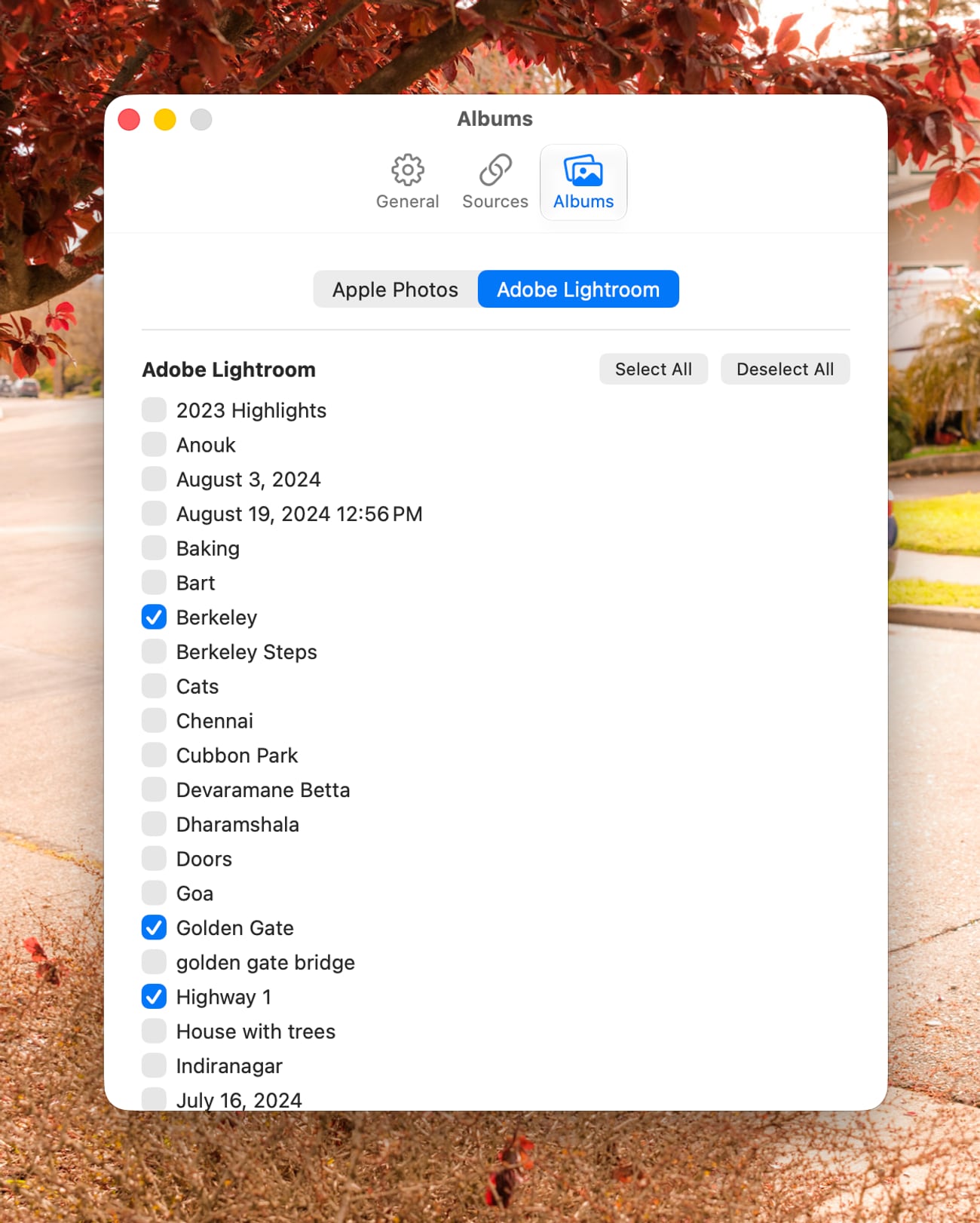
Pick albums from Apple Photos and Adobe Lightroom and PhotoDrift shuffles across both as a single collection.
-
Set it and forget it
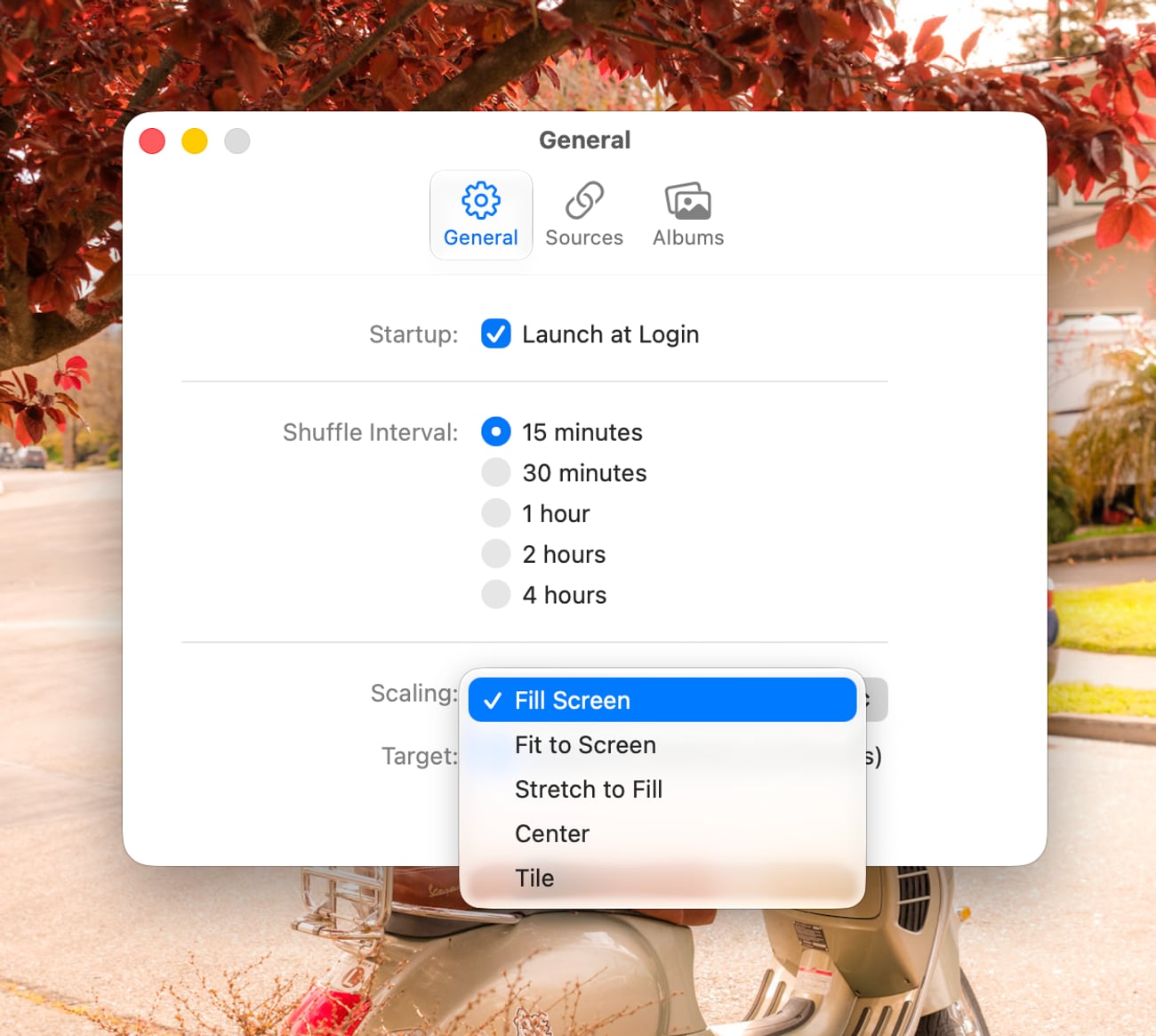
Choose an interval from fifteen minutes to four hours. Your desktop keeps changing while you work.
-
Fits any screen
Fill, Fit, Stretch, Center, or Tile. Fit composites a gradient from the photo itself so portraits never sit on grey bars.
-
Every desktop
Wallpapers apply across Spaces, and reapply when you switch between them.
-
Works offline
Images are cached and prefetched ahead of time. Lose the network and it falls back to your local Photos library.
-
Stays out of the way
A menu bar app with no dock icon and no window. Around 40 MB of memory while idle.
Your photos stay yours
PhotoDrift talks to exactly two places: your local Photos library and, if you connect it, Adobe's Lightroom API. There is no PhotoDrift server, no account, and no analytics. Lightroom sign-in uses OAuth with PKCE, and the resulting tokens live in your macOS Keychain. Cached images sit in the app's own container and never leave the machine.
Installing
- Download the latest DMG from Releases.
- Drag PhotoDrift to your Applications folder.
- Launch it — the icon appears in your menu bar, not the dock.
- Grant Photos access when asked, then pick albums under Settings.
Builds are signed with a Developer ID and notarized by Apple, so they open without a Gatekeeper warning. Lightroom is optional; Apple Photos alone works fine.